Turn product images into TikTok and Reels ads you can run
Upload a first and last frame, or combine images, reference video and audio, describe the shot in a sentence, and get a 4–15 second video sized for TikTok, Reels and Shorts.
Start on the free plan · No credit card required
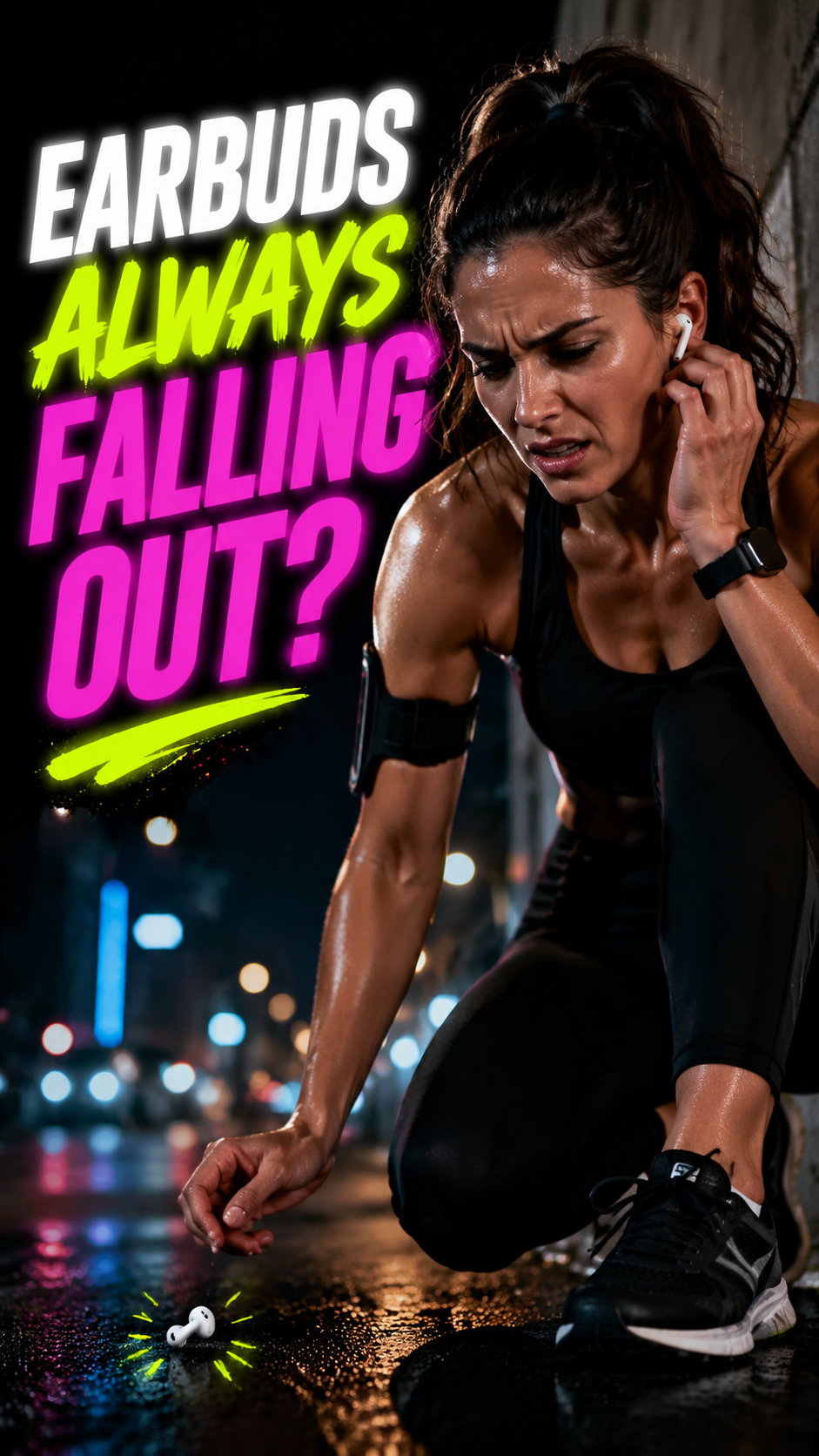
Frame 1: Golden 3-Second Pain-Point Hook
Grab the eye first · Stop the scroll
Shows the soreness and slipping of traditional in-ear buds — the exact pain runners feel.
Why it matters
Short video is the format that scales — and the hardest to make
Before
- Script, shoot and edit: a single video takes weeks
- Outsourced edits cost too much to test more than one version
- Cut for one platform, re-cut for every other
With TexoAI
- Start from one product image; first and last frames control the open and close
- Pick 4–15 seconds; change one line for the next version
- Six ratios including 9:16, 1:1 and 16:9, in one workspace
How it works
Three steps from product image to ad video
Add your material
Upload a first frame (and optionally a last frame), or combine images, video and audio in reference mode.
Describe the shot
Write the camera move, action and pacing, then pick a ratio and a length of 4–15 seconds.
Render and download
Submit the job, follow its progress in your task list, and download the video when it is ready.
What it does
The control short-form video ads need
First and last frame
Set exactly how the video opens and ends — useful for a product reveal or a clean end card.
Multi-reference mode
Guide the video with up to 9 images, 3 video clips and 3 audio clips.
4–15 seconds
Short hooks or longer demos, chosen per video; 5 seconds by default.
6 aspect ratios
9:16 for TikTok and Reels, 1:1 for feeds, 16:9 and 21:9 for YouTube and banners, plus 3:4 and 4:3.
Audio support
Add reference audio so the video carries sound, not just pictures.
MiniMax H3, plus Preview
Final videos render with MiniMax H3. Preview is a clearly labelled simulation for walking the flow without producing a final video.
FAQ
Product video: common questions
Turn your hero image into an ad video
Start with one product image and a sentence describing the shot.
Start on the free plan · No credit card required